> For the complete documentation index, see [llms.txt](https://docs.quickreply.ai/llms.txt). Markdown versions of documentation pages are available by appending `.md` to page URLs; this page is available as [Markdown](https://docs.quickreply.ai/product-modules/journeys/manage-journey/edit-a-journey.md).
# Edit a Journey
To edit a published journey.
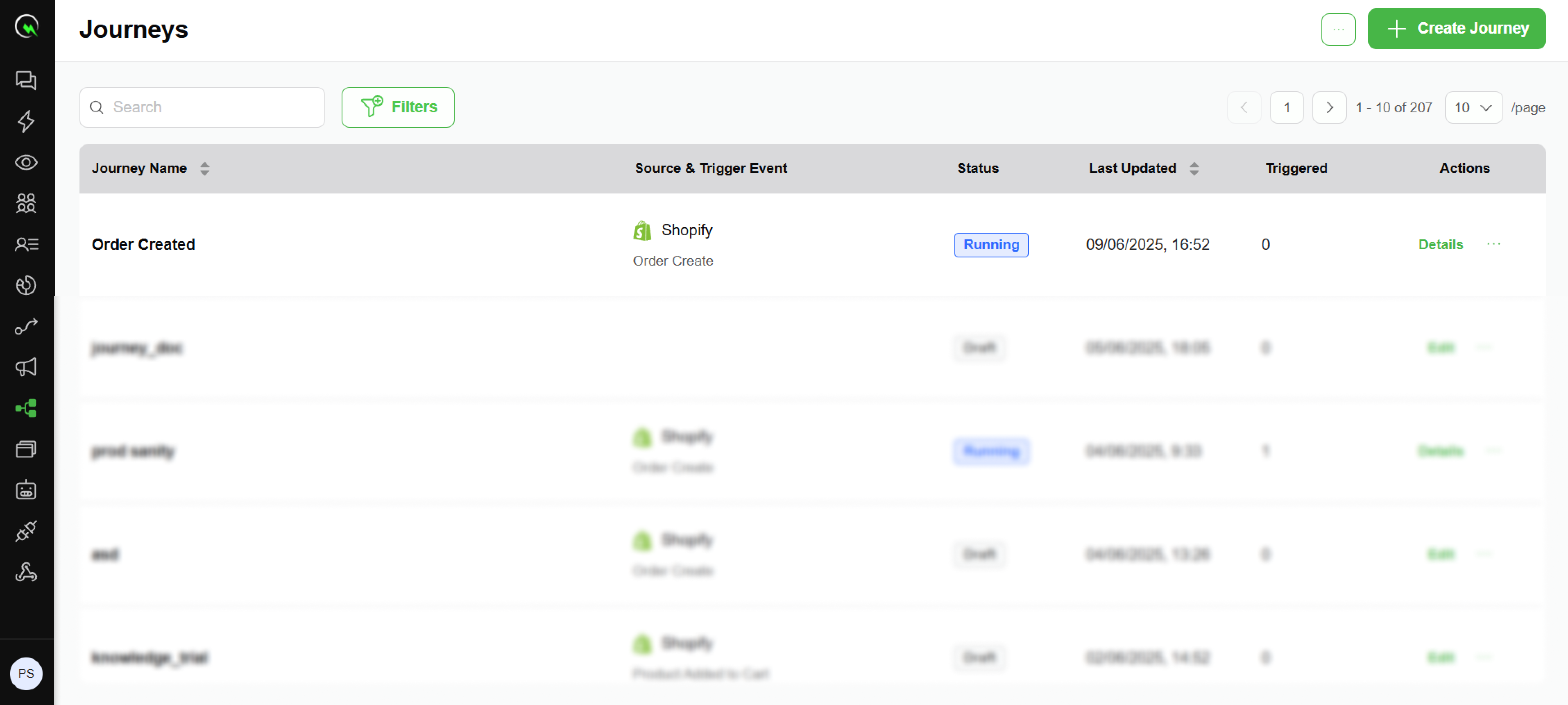
1. Navigate to the journey you wish to edit
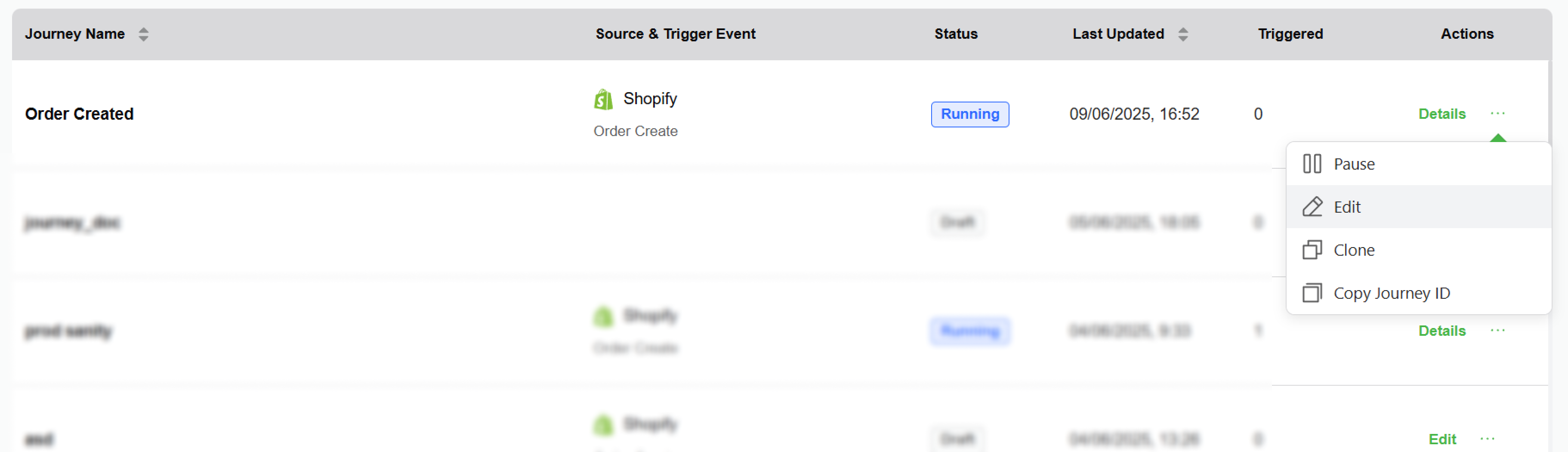
2. Under action, click on the three dots (...) and select edit journey
* Editing a draft journey
* You can make changes to the draft journey, which will change the last updated time of the journey and persist changes if you click on Save and Next
* Editing a running/paused journey
* You can make changes to a running/paused journey, and on publish, it will create a new version and change the status of the journey to “running” (Except for changing the name of the journey or adding/removing tags)
* Things you can edit
* Journey’s trigger filters
* Add/Modify/Delete workflow nodes
* Add goal and exit conditions
{% hint style="info" %}
We will not persist any unpublished changes
{% endhint %}