> For the complete documentation index, see [llms.txt](https://docs.quickreply.ai/llms.txt). Markdown versions of documentation pages are available by appending `.md` to page URLs; this page is available as [Markdown](https://docs.quickreply.ai/product-modules/ai-builder/shopify-and-non-shopify-bots/pre-trained-bots.md).
# Pre-trained bots
Pre-trained bots are ready-to-use playbooks designed to handle common customer journeys. You can deploy them instantly or customize them based on your business needs.
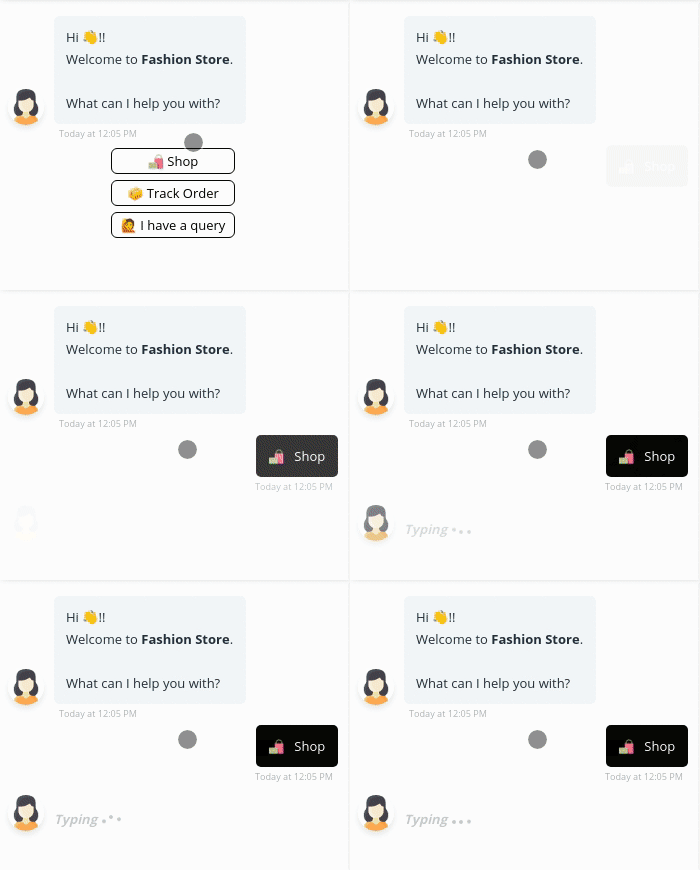
### Welcome Bot
**Purpose:** Starts the conversation with a warm greeting and a menu of key options.
**What it does:**
* Greets the user with a friendly message.
* Offers quick access to common flows like “Track My Order,” “Browse Products,” or “Talk to Agent.”
* Helps route the user efficiently from the first touchpoint.
**Best used on:** Homepage visits, CTWA (Click to WhatsApp Ads), or chat widget opens.
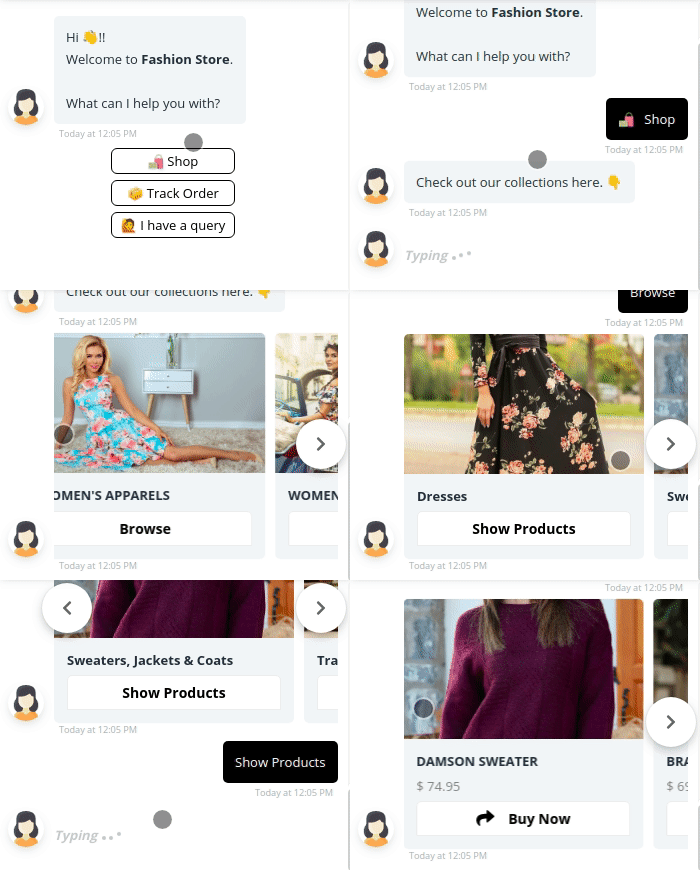
### Product browsing Bot
**Purpose:** Helps users explore your catalog within the chat.
**What it does:**
* Displays product categories using buttons or quick replies.
* Shares images, names, and links to featured or trending items.
* Can use carousel views (on web or Messenger) or single-product cards (on WhatsApp).
**Best used on:** Product exploration journeys, marketing broadcasts, or menu prompts.
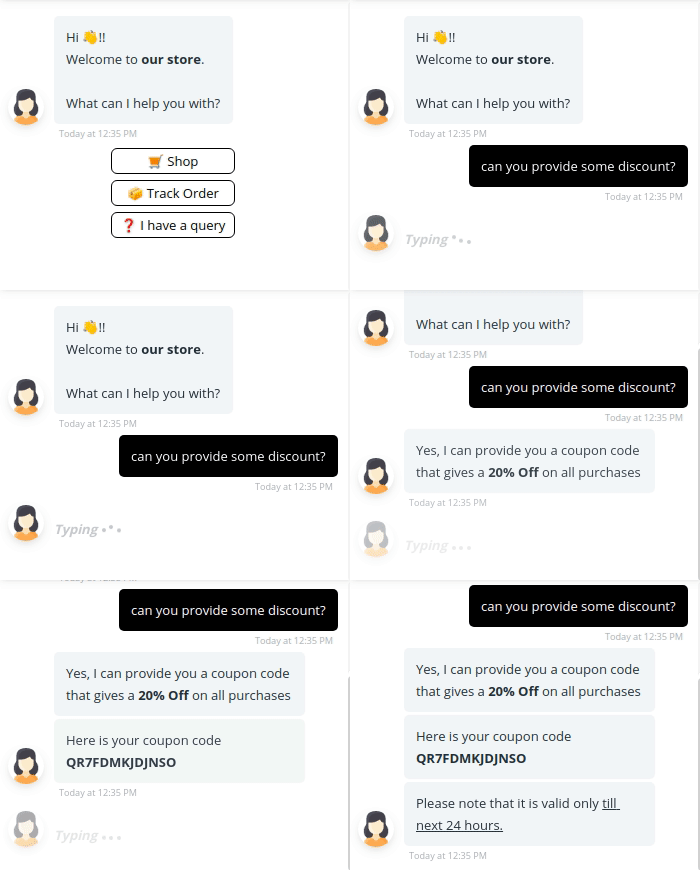
### Discount Bot
**Purpose:** Shares active discounts and nudges conversions with time-sensitive offers.
**What it does:**
* Displays ongoing promotions or coupon codes.
* Highlights urgency (e.g., “valid for 24 hours”) using timers or messaging.
* Links users to discounted products or collections directly.
**Best used on:** Campaigns, CTWA ads, or upsell flows post-cart abandonment.
### Order tracking Bot
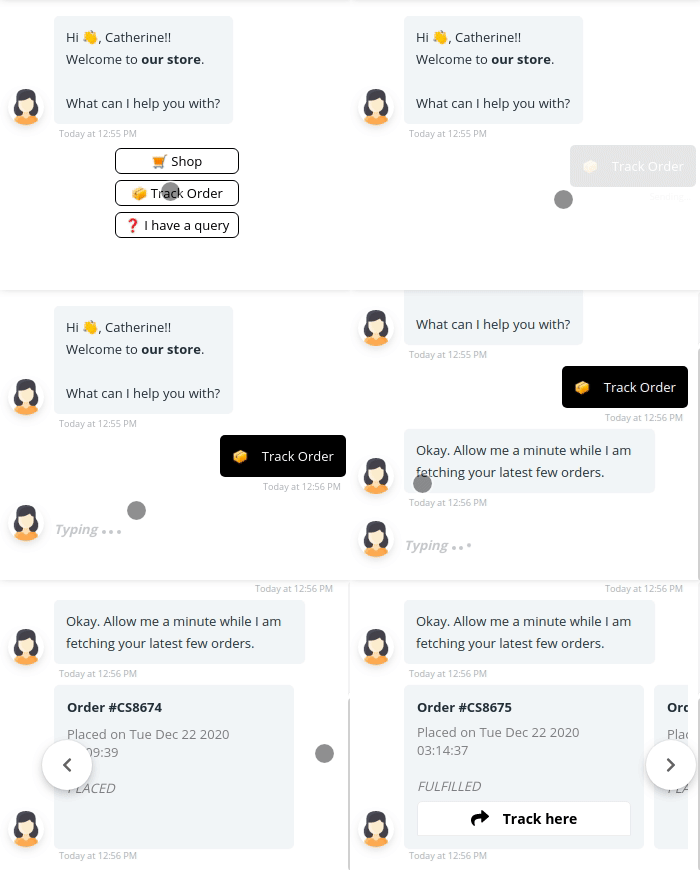
**Purpose:** Allows customers to check their order status instantly.
**What it does:**
* Asks users for order ID or phone number or email address. Or automatically checks number (for WA messages) and sends details
* Connects to your backend (Shopify, WooCommerce, or manual input) to fetch tracking details.
* Shares current status and expected delivery dates.
**Best used on:** Support menu, automated post-purchase messages, or customer care CTAs.
### Transfer Bot
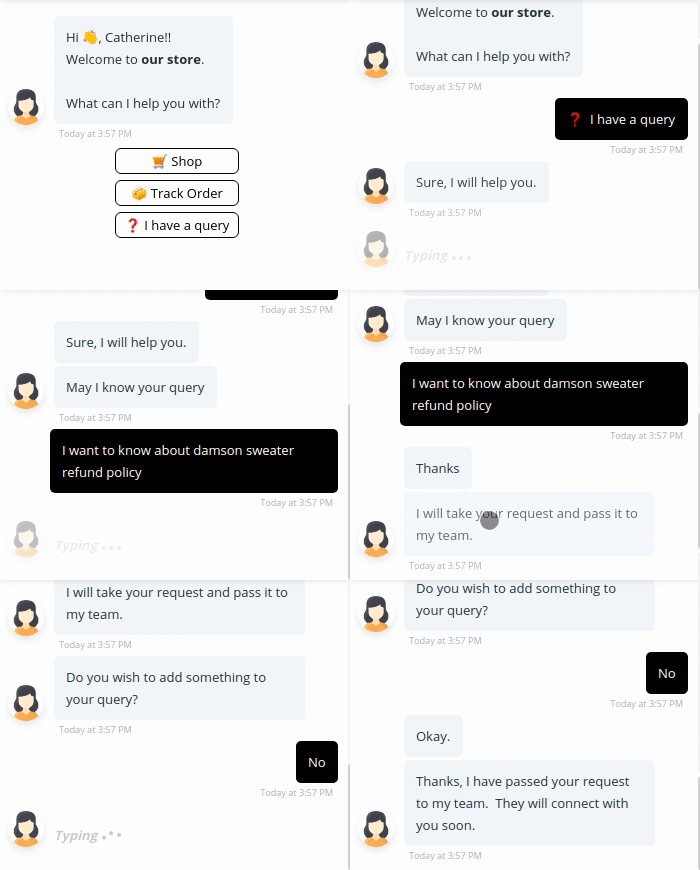
**Purpose:** Seamlessly hands off the user to a live agent when needed.
**What it does:**
* Confirms that the user wants to talk to a human.
* Collects key details (like name, query type) to prep the agent.
* Notifies agents via the dashboard or email alert.
* Handles transfer on chats differently during office hours and after (if configured accordingly)
**Best used on:** Escalation points, fallback flows, or explicit "Talk to Agent" requests.
### Order Cancellation Bot
**Purpose:**\
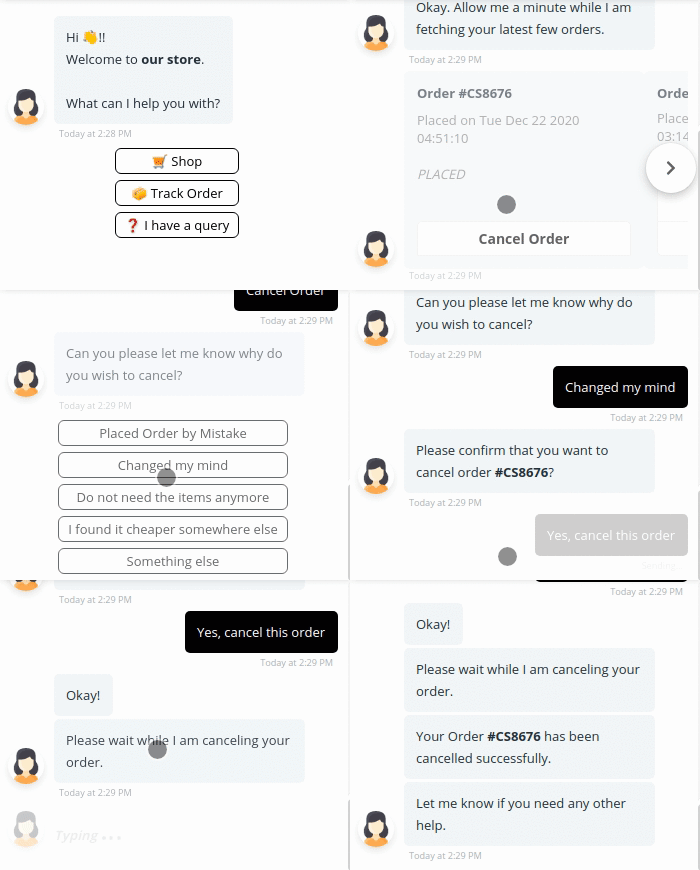
Automates the process of handling order cancellation requests, helping customers cancel unfulfilled orders with minimal friction.
**What it does:**
* Detects cancellation intent from queries like *"I want to cancel my order."*
* Authenticates the user using any combination of:
* 📧 Email address
* 📱 Phone number
* 🔢 Order ID
* (With optional combinations like Order ID + Email or Order ID + Phone)
* Prompts the user for a cancellation reason.
* Optionally checks order status to ensure the order is still cancellable.
* Offers post-selection actions:
* ✅ Cancel the order directly (if integration is enabled)
* 👨💼 Transfer to a human agent for manual handling
* 🌐 Redirect to a custom URL (e.g., help center)
**Best used on:**
* Customer support chat widgets
* Post-purchase automation flows
* “Help with my order” navigation menus
### Shipping Charges Bot
**Purpose:**\
Answers frequently asked questions related to shipping fees, whether you offer free shipping, flat rates, or location-based pricing.
**What it does:**
* Recognizes and responds to queries like *"How much is the shipping fee?"*
* Shares your standard and express delivery charges.
* Optionally offers dynamic pricing info based on user location (with backend integration).
* Can redirect users to a detailed shipping policy page or an external rate calculator.
**Setup Note:**
* You can choose whether to activate this bot’s responses.
* If set to “No,” it won’t engage when users ask about shipping costs.
**Best used on:**
* In-chat FAQ sections
* Product detail pages
* Pre-checkout cart experiences
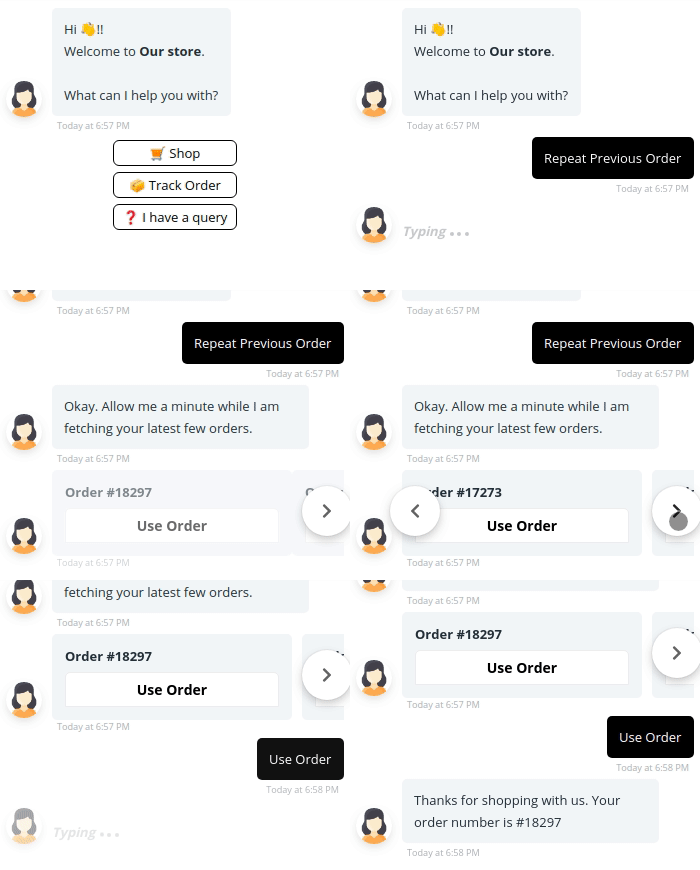
### Repeat Order Bot
**Purpose:**\
Helps returning customers place repeat orders instantly minimizing friction and boosting reorder rates.
**What it does:**
* Identifies returning users via:
* 📧 Email address
* 📱 Phone number
* 🔢 Order ID
* (With optional combinations like Order ID + Email or Order ID + Phone)
* Fetches and displays a list of the customer’s past orders.
* Allows users to reorder in just 1–2 clicks/taps.
* Suggests “Buy Again” items if the exact product isn’t available.
* Redirects users to the checkout page based on their selection.
**Setup Note:**
* Toggle the option to “Yes” to enable repeat order functionality.
* Authentication ensures the correct order history is shown to each user.
**Best used on:**
* Loyalty campaigns
* Post-delivery follow-up messages
* Returning visitor journeys or homepage welcome flows
.gif?alt=media)