# Comment to DM
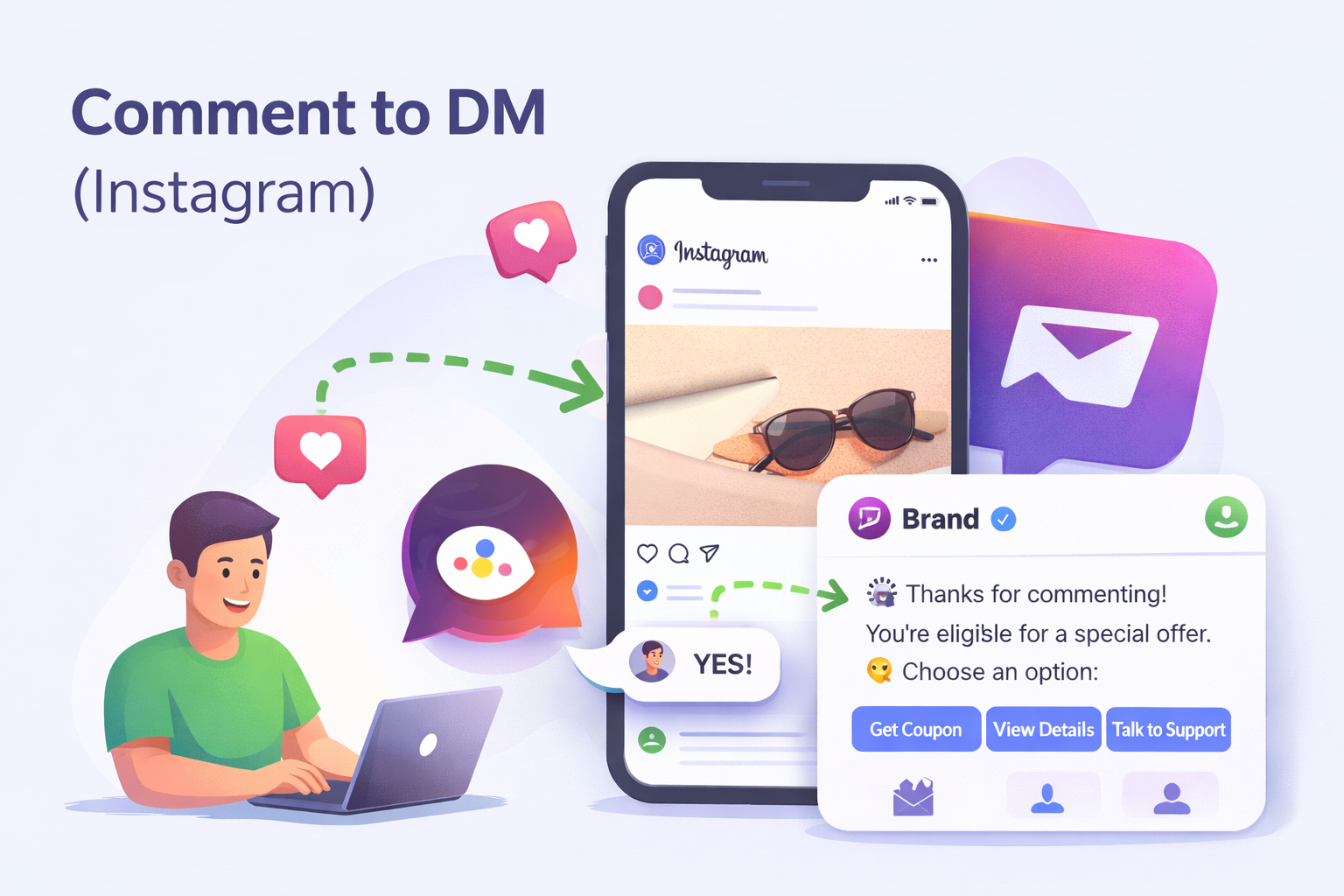
**Comment to DM** allows your Instagram bot to automatically send a Direct Message (DM) to users who comment on a specific Instagram post.
When a user comments on a configured post, QuickReply detects the comment and immediately starts a conversation with that user in Instagram DMs using the linked playbook.
This is ideal for:
* Giveaways (“Comment ‘YES’ to participate”)
* Product launches and teasers
* Coupon distribution
* Lead capture campaigns
* Engagement-driven promotions
### How Comment to DM Works
* You specify one or more **Instagram Post IDs** inside your bot configuration.
* When a user comments on any of these posts:
* QuickReply triggers the linked playbook.
* The bot sends **one automated message** in the user’s DM.
* The conversation continues based on the quick replies, buttons, or question flow defined in the first node.
{% hint style="warning" %}
**Keep in mind:** Comment to DM sends **only one** automated message per comment.\
So when you add a Post ID, build **the first node** in **one single message** that contains **all the details + quick replies/buttons**. Avoid using multiple text nodes, because only the first message will be sent.
{% endhint %}
### Prerequisites
Before configuring Comment to DM, ensure:
* Your Instagram account is connected to QuickReply.
* You have created or selected a **Gen AI Bot**.
* You have access to **Meta Business Suite** to retrieve the Instagram Post ID.
### How to use Comment To DM
#### Step 1: Get Your Instagram Post ID
1. Go to **Meta Business Suite**.
2. Open **Posts & Reels**.
3. Select the Instagram post you want to connect.
4. Click on the post and copy the **Post ID** or from the end of the URL.
The Post ID:
* Is usually a long numeric string.
* May appear at the end of a URL like `/posts/{post_id}`.
#### Step 2: Map the Post ID in QuickReply
1. Go to your **QuickReply Dashboard**.
2. Open your **Bot** in AI builder screen.
3. Navigate to the **Configure** tab.
4. Under\
\&#xNAN;**“Specify Instagram Post IDs that this bot will send a DM if anyone comments (Comment to DM)”**,\
click **+ Add Post ID**.
5. Paste the Post ID.
6. Save your configuration.
Your bot will now monitor that post for new comments.
### FAQs
What happens if a user comments multiple times?
Each comment can trigger a DM. However, Instagram platform-level messaging restrictions may apply.
Can I use multiple Post IDs?
Yes. You can add multiple Post IDs under the Configure tab. The same bot will respond to comments on all listed posts.
Can I customize different flows for different posts?
Yes. Create separate bots or playbooks and map different Post IDs accordingly.